


- Contents
PureConnect Installation and Configuration Guide
Enable Exchange Web Services for workgroups
After you configure CIC for Exchange, follow this procedure to enable Exchange Web Services for workgroups that will connect to Exchange using the Exchange Web Services protocol.
("You can also enable Exchange Graph for individual users")
Note: This procedure is for workgroup ACD email queuing, not for setting up a mailbox for the workgroup but would be used to deliver faxes and voicemail.
-
In Interaction Administrator, click the People container and then click the Workgroups sub-container.
-
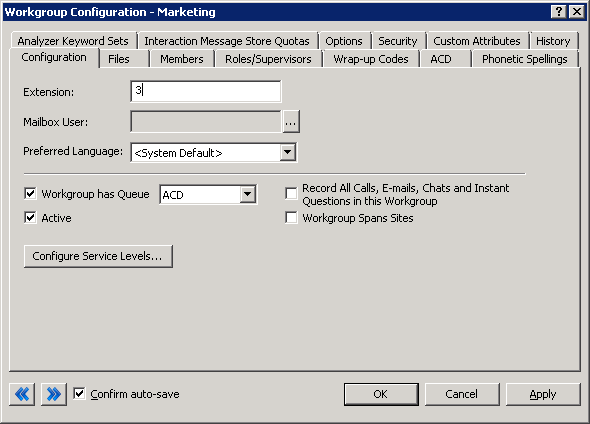
In the right-hand pane, double-click the workgroup name to edit. The Workgroup Configuration dialog box appears.
-
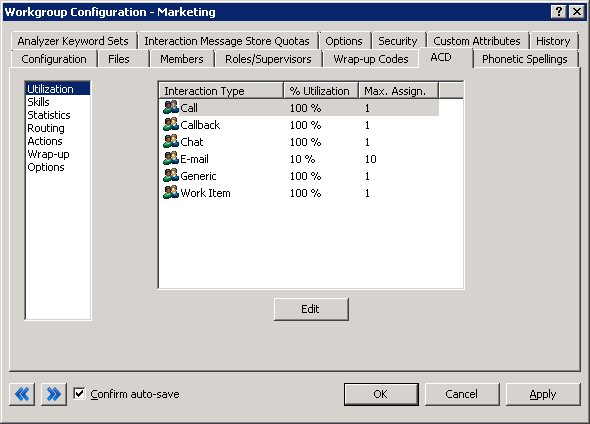
On the Workgroup Configuration dialog box, click the ACD tab. The ACD dialog box appears.
-
In the navigation box on the ACD dialog box, click Routing.
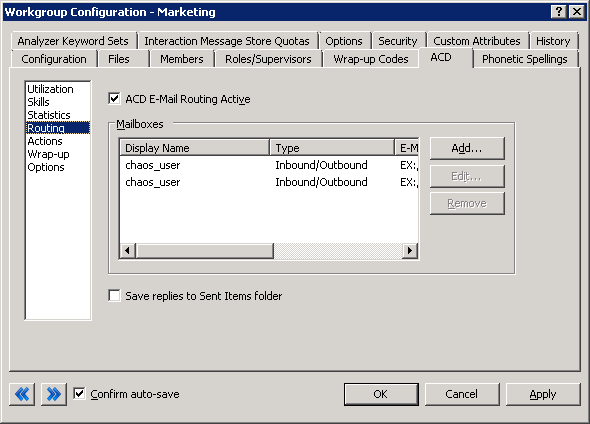
Note: "Inbound" is used to queue messages so that agents can be assigned and reply. "Outbound" is only used for creating a new email interaction not related to an incoming ACD email interaction.
-
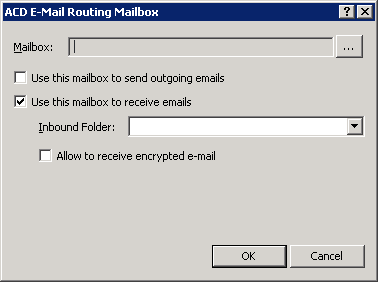
Click Add… The ACD E-Mail Routing Mailbox dialog box appears.
-
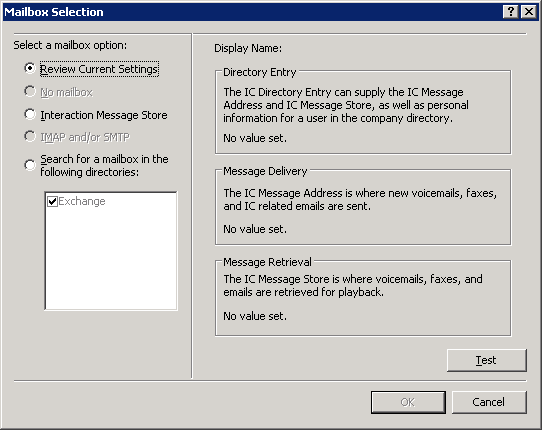
On the ACD E-Mail Routing Mailbox dialog box, click (...) to the right ofMailbox. The Mailbox Selection dialog box appears.
-
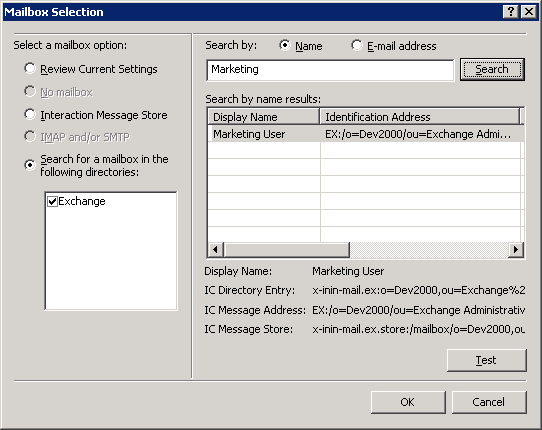
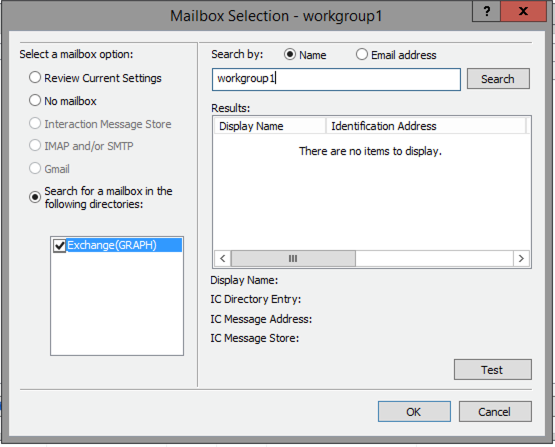
On the Mailbox Selection dialog box, click Search for a mailbox in the following directories and select Exchange (EWS) or Exchange (Graph). Select to search by Name or E-mail address, type a name or e-mail address in the Search box, and click Search. The Exchange e-mail address appears in the search results.
-
Click OK to close the Mail Selection dialog box.
-
Click OK to close the ACD E-Mail Routing Mailbox dialog box.
-
Click OK to close the Workgroup Configuration dialog box.