


- Contents
PureConnect Installation and Configuration Guide
Enter the local area codes
This screen appears if you selected to create a dial plan. Specify your local area codes (containing local exchanges).
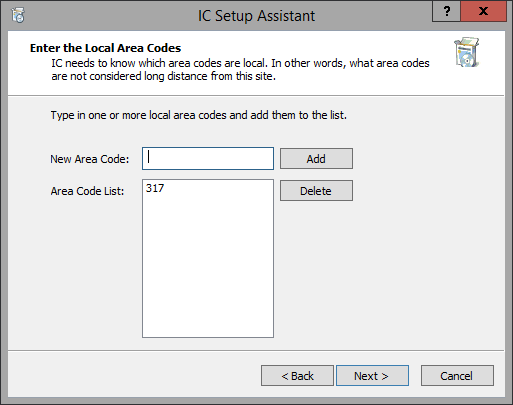
New Area Code
Type an area code that contains local exchanges, and click Add. The area code is added to the list of local Area Code List. Repeat for additional local area codes.
Note: After the installation, if a new area code needs to be created or added to the locality in which the CIC server is installed, add it to the dial plan in the Interaction Administrator Phone Numbers container.