

- Contents
- Index
SAP CRM Integration Technical Reference
Configure CRM_ICI_TRACE
From the SAP GUI client, the transaction page CRM_ICI_TRACE allows the administrator to enter the user ID of the agent for which to view logs.
To view the SOAP messages, turn on logging for each agent.
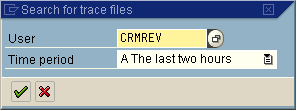
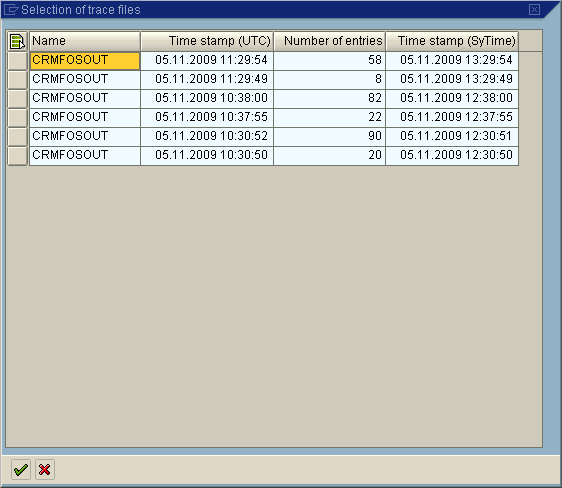
After you enter the user ID and the time period and select the check mark button, SAP opens a list of communications that have occurred over that time period.
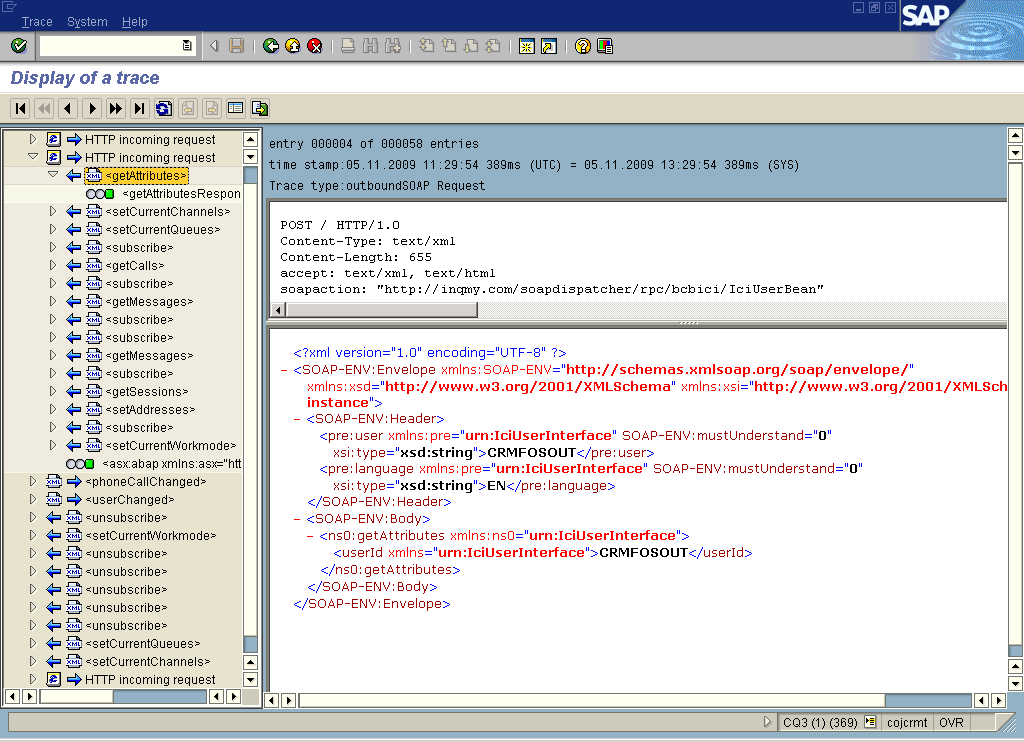
After you select a time period, SAP provides a visualization of communication and status through use of a green or red circle on the left side of the message. This overview allows the administrator to locate potential problems quickly. To view message content on the right side of the navigation pane, double-click the message.