


- Contents
- Index
Secure Input Technical Reference
Configure text filtering for email messages and web chats (optional)
Optionally, you can filter patterns of private information from inbound email messages and web chats so that the system doesn't log the information or display it to agents.
Important!
Text filtering for inbound email messages requires usage of the Microsoft
Exchange Web Services (EWS) connector. Genesys doesn’t support text filtering
for other mail connectors.
-
Open Interaction Administrator.
-
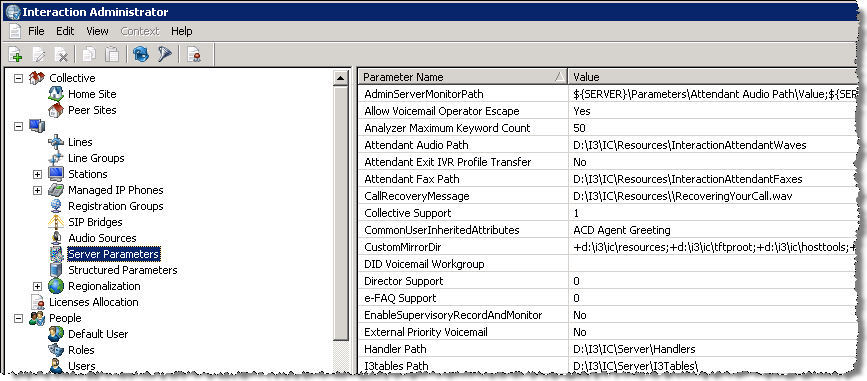
In the navigation pane of the Interaction Administrator window, click the Server Parameters object.
-
In the right pane, right-click anywhere and then click New from the resulting shortcut menu. The Entry Name dialog box appears.
-
In the Enter Parameter Name text box of the Entry Name dialog box, type “Redact Using Default Expression” and then press Enter. The Parameter Configuration dialog box appears.
-
On the Configuration tab of the Parameter Configuration dialog box, type “Yes” in the Parameter Value text box and then click OK. This server parameter replaces most credit card numbers with the # character using a regular expression.