


- Contents
Interaction Dialer Manager Help
Use a Rule Action to apply a Filter
-
In the Rule Sets view, add a new rule or select an existing rule.
-
Set the rule's condition.
-
Click the Rule Actions tab.
-
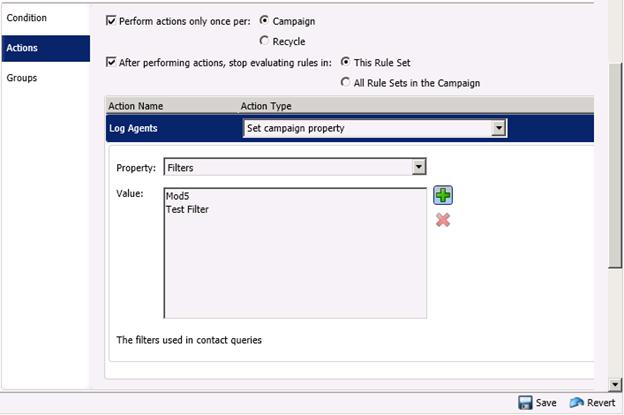
Set Action Type to Set campaign property.
-
Set Property to Filters.
-
Click Add (
 ) to select
filters to assign to this action.
) to select
filters to assign to this action. -
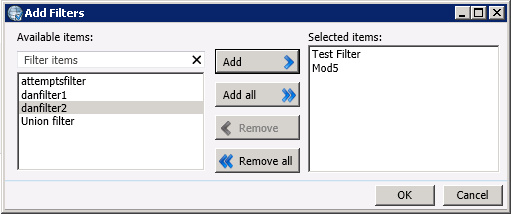
Select filters from the Available Items list. Then click Add to move them to the Selected items list.
-
Click OK. Then click Save (
 ).
).
Related Topics