


- Contents
Tokenizer Configurator Help
Transfer the Master Database Key to Service Account
Use the Transfer DB Encryption Key window to transfer the master database key to the service account after creating the service.
To transfer the master database key to the service account
-
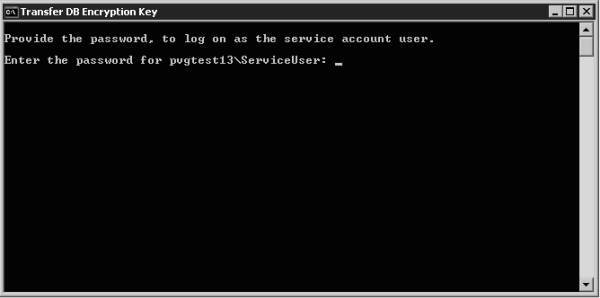
In the top section of the Secure CC Storage Configurator window, click Other Functions and then click Transfer Key to Service Account. The Transfer DB Encryption Key window appears and prompts you for the service account password.
-
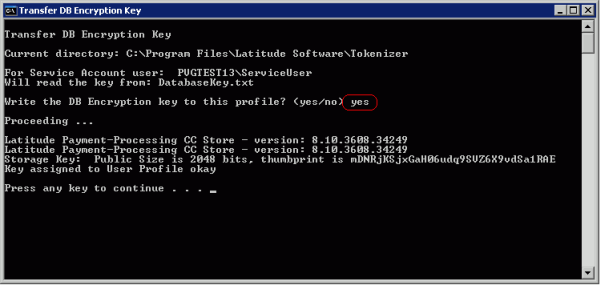
Type the password for the service account and then press Enter. A second command window appears, requesting confirmation to store the key in the user profile.
-
Type yes and then press Enter.
-
Verify that the "Key assigned to User Profile okay" message appears. If this message does not appear, contact Latitude by Genesys Support.
-
Press Enter twice. The Transfer DB Encryption Key window closes.
-
Continue to the next step in the checklist.