


- Contents
Delete a Search Condition
Use the Conditions pane on the Advanced Search tab of the Latitude Search - Search for Account window to delete a search condition.
To delete a search condition
-
In the Main Menu window, click Work or press Alt + W. The Work Form appears. The Work Form appears.
-
From the Search menu, click Search or press Ctrl + F. The Latitude Search - Search for Account window appears.
-
Click the Advanced Search tab.
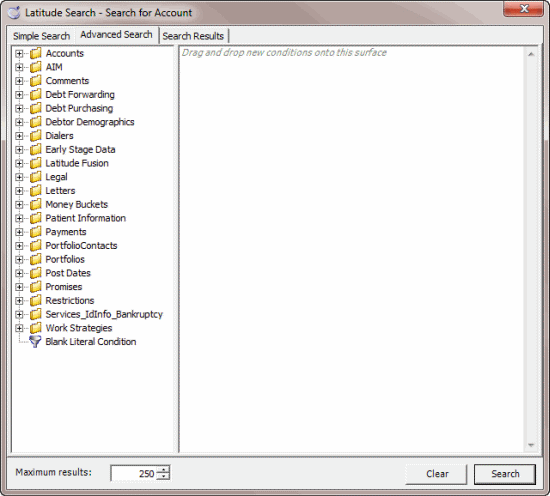
-
In the Conditions pane, do one of the following:
-
Click a condition and then press the Delete key.
-
Right-click a condition and then click Delete.
A confirmation dialog box appears.
-
Click Yes. The system removes the selected condition from the Conditions pane.