


- Contents
Group Search Conditions
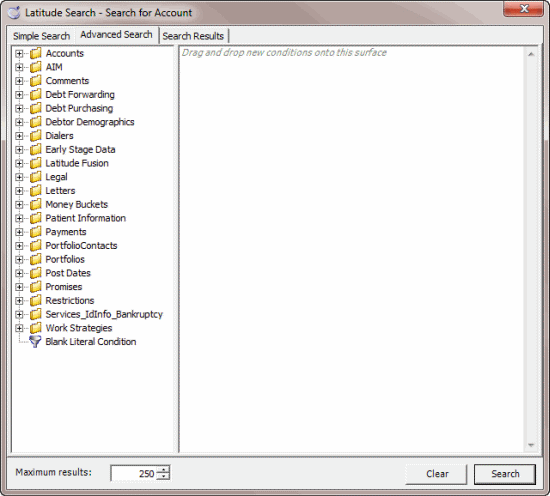
Use the Conditions pane on the Advanced Search tab of the Latitude Search - Search for Account window to group search conditions. You can group conditions so that the system evaluates the conditions together. You can also create multiple groupings so that the system evaluates one set of conditions before another set.
To group search conditions
-
In the Main Menu window, click Work or press Alt + W. The Work Form appears. The Work Form appears.
-
From the Search menu, click Search or press Ctrl + F. The Latitude Search - Search for Account window appears.
-
Click the Advanced Search tab.
-
In the Conditions pane, select the conditions to group.
Tip: To select multiple sequential conditions, press and hold the Shift key and click the first and last sequential condition. To select multiple non-sequential conditions, press and hold the Ctrl key and click each individual condition. To select all conditions, right-click and then click Select All.
-
Right-click and then click Group. The system groups the selected conditions and flags the beginning and ending of the group.