


- Contents
Salesforce Integration Administrator's Guide
Migrate to a new call center definition
As part of upgrading your Salesforce integration, you migrate to a new call center definition.
-
Upgrade the managed package. See Install or Upgrade the managed package.
-
When the upgrade completes, go to Setup and search for Call Centers.
-
Click Call Centers.
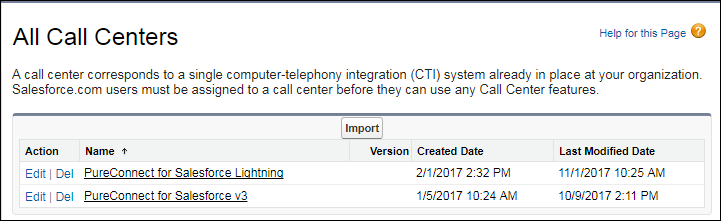
You see two versions of the call center definition (possibly more if you have previous versions you never removed).
-
Click the name of the older call center definition. If you have more than one old call center definition files, click the one currently used by the integration (assigned to the Call Center field on the user settings).
-
Copy and save all the values to an external document or file.
-
To return to the All Call Centers screen, click the browser back button.
-
Click Edit next to the newly installed call center definition.
-
Verify that the setting values in the new call center definition match the values you saved. The new call center definition includes only the first six settings. You manage the remaining settings from the PureConnect Call Center Settings page.