

- Contents
PureConnect CX Insights Help
Log Off
- To log out CX Insights, click your user name, and on the menu, click Logout.
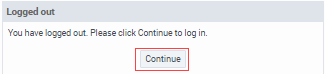
- The browser window does not close after you logged out. To log on to CX Insights again, click Continue
Alternatively Log Off
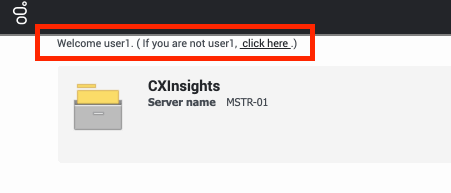
You can also log off from the CX Insights web application using click here link next to Welcome.
If you want to log on to CX Insights again, do the following:
-
Click click here. The Trusted Authentication Request page appears.
-
Click the Trusted Authentication Request link.
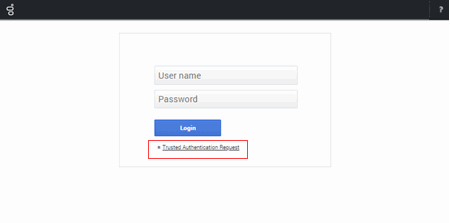
- The CX Insights Log in screen appears.