

- Contents
PureConnect Release Notes
Interaction Connect Alert Configuration
Requirements: To configure alerts, you need the Interaction Supervisor Plug-In: Workgroups license. You must also enable supervisor features in Interaction Connect. The CIC server must have PureConnect 2018 R4 or later installed.
Warning: PureConnect does not support simultaneously logging into Interaction Connect and ICBM to manage alerts.
Supervisors can configure their own alerts in Interaction Connect. Previously, supervisors could configure alerts only in Interaction Supervisor in ICBM. An alert appears when a statistic enters a user-defined threshold, is within bounds, or is no longer within a range of values. Alerts for telephone calls can be based on calls longer than a specific duration, average hold time greater than a given value, and many other metrics.
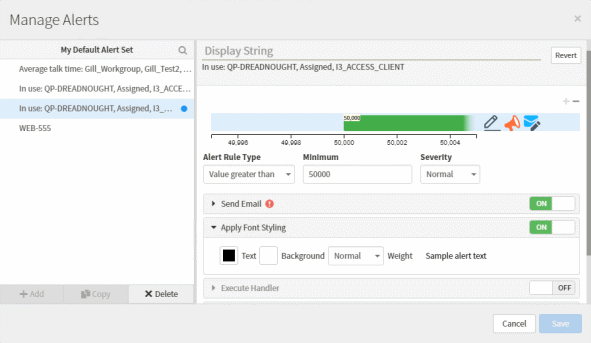
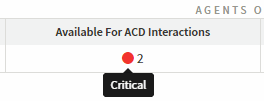
In Interaction Connect, you display your triggered alerts in the Active Alerts view. Alerts also appear in Interaction Connect in the Agent Statistics, Workgroup Statistics, and Workgroup Overview views. Alerts use color-coded icons and tooltip text to emphasize selected metrics. Alerts can optionally send email notifications or client memos, play sounds, or invoke a handler.